
About Course
Course preview: Build a storybook page
See how words and pictures come together on a clear, readable storybook page.
Your child’s ideas. A storybook to make together.
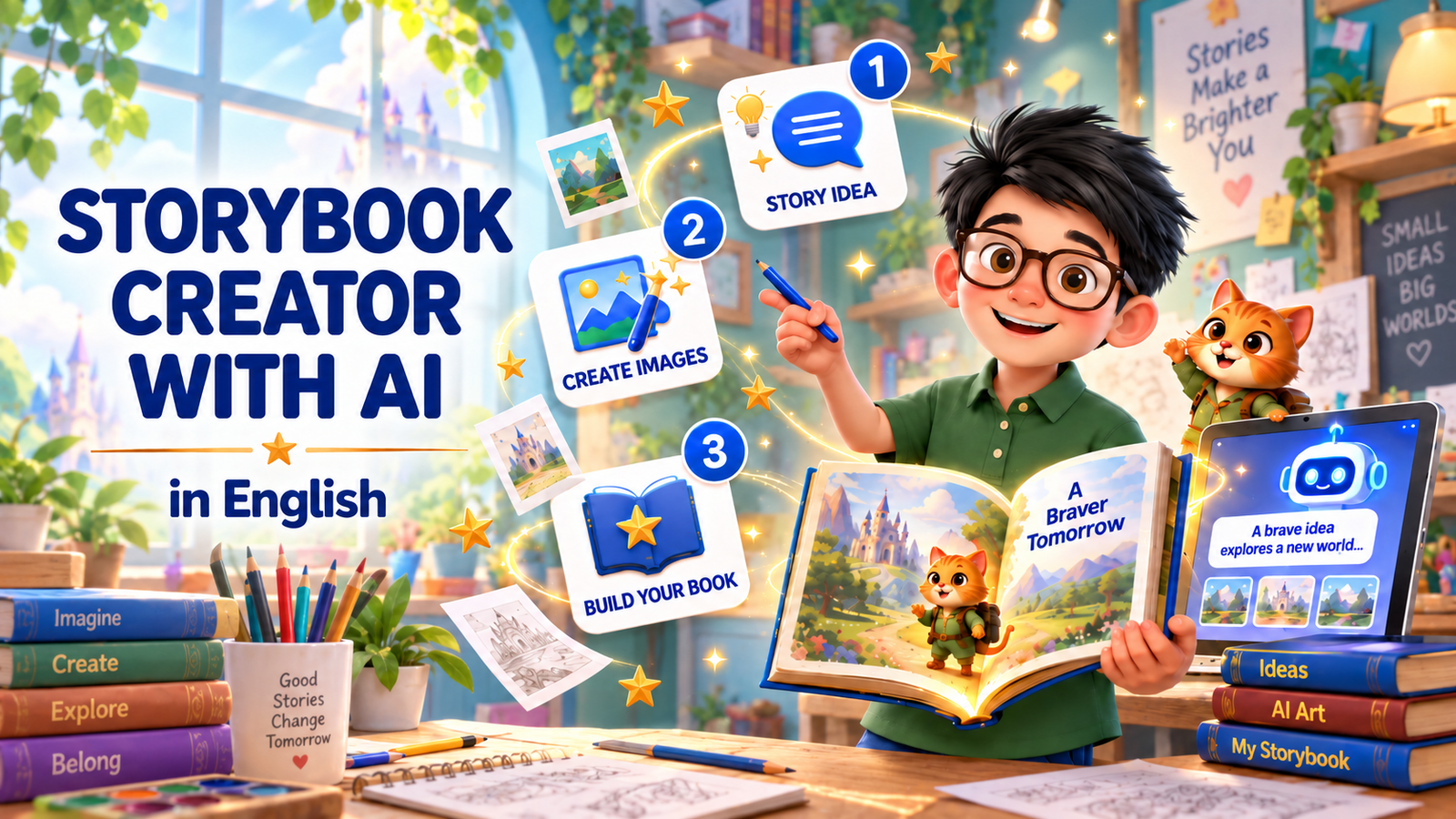
Help your child develop their own characters and story, then review AI suggestions, create illustrations and bring everything together in Canva. This guided family project keeps the child’s imagination and choices at the centre.
AI is the helper, you are the boss. You are the author.
Three creative skills to practise
- Plan characters, a story world and a meaningful problem from your own ideas.
- Improve story drafts and check pictures for safety and consistency.
- Combine words and pictures into a 15-page digital storybook in Canva.
What your purchase includes
15 video lessons across four parts, plus a separate Prompt Companion reading. Creative activities and picture checks are guided within the lessons; there are no quizzes or separate assessed assignments. The project is your own 15-page storybook, exported as a PDF.
Estimated learning time: around three hours, including videos and guided creative work. Allow extra time for family discussion, image generation and finishing your book.
The four parts describe the learning sequence, not a daily deadline. Pause, revisit and create at your family’s pace.
Parent FAQs
Who is this course for? Is experience needed?
Children aged 7–12 creating alongside a parent or guardian. No previous writing, drawing or AI experience is needed.
Must we complete Smart Start With AI first?
No. Smart Start With AI is not a prerequisite. This course begins with the tools and safety guidance for the storybook project.
How should a parent or guardian take part?
Create together: let your child suggest ideas, choose what fits and review the work. The adult manages accounts, operates age-restricted tools, checks outputs and protects personal information. Do not share adult account credentials with the child.
What will my child create?
A 15-page digital storybook with a cover, story text and illustrations, assembled in Canva and exported as a PDF. Your child makes the creative decisions with adult help.
How long does it take? Must we follow a daily schedule?
Allow around three hours for the videos and guided work, with extra time for discussion and creative revisions. The four parts are a sequence, not a consecutive-day deadline. Free-tool limits may mean returning another day.
What devices, tools and accounts do we need?
Use an internet-connected laptop or tablet, an AI chat/image tool and Canva for page layout. The lessons do not require a particular paid AI subscription; available free features and generation limits vary. Third-party accounts, optional upgrades and fees are not included. If using ChatGPT, an adult must conduct every interaction for an under-13 child. Under-13s may use Canva only through eligible Canva Education arrangements; otherwise the adult operates their own Canva account while the child plans and makes creative choices offline. Parental permission does not override these rules.
Which language does this purchase include?
This purchase includes the English Storybook Creator With AI course. Bahasa Melayu and Simplified Chinese are separate versions; use the language links above to choose before buying.
How do we access the course after payment, and for how long?
The purchasing parent or guardian must be at least 18 and control the Supra Vista account. Once payment is confirmed and enrolment activated, sign in to that purchasing account and open My Learning to access the selected language course. This account is separate from AI or Canva accounts. Access has no fixed expiry date and does not end on completion. You can return while Supra Vista operates and makes the course available, subject to the course access and payment terms.
Course Content
Part 1: Plan Your Story
-
1.Meet Your Storybook Tools
02:09 -
2.Create Safely With AI
02:02 -
3.Build Your Story Idea
02:08 -
4.Choose Your Story’s Feeling
01:56