
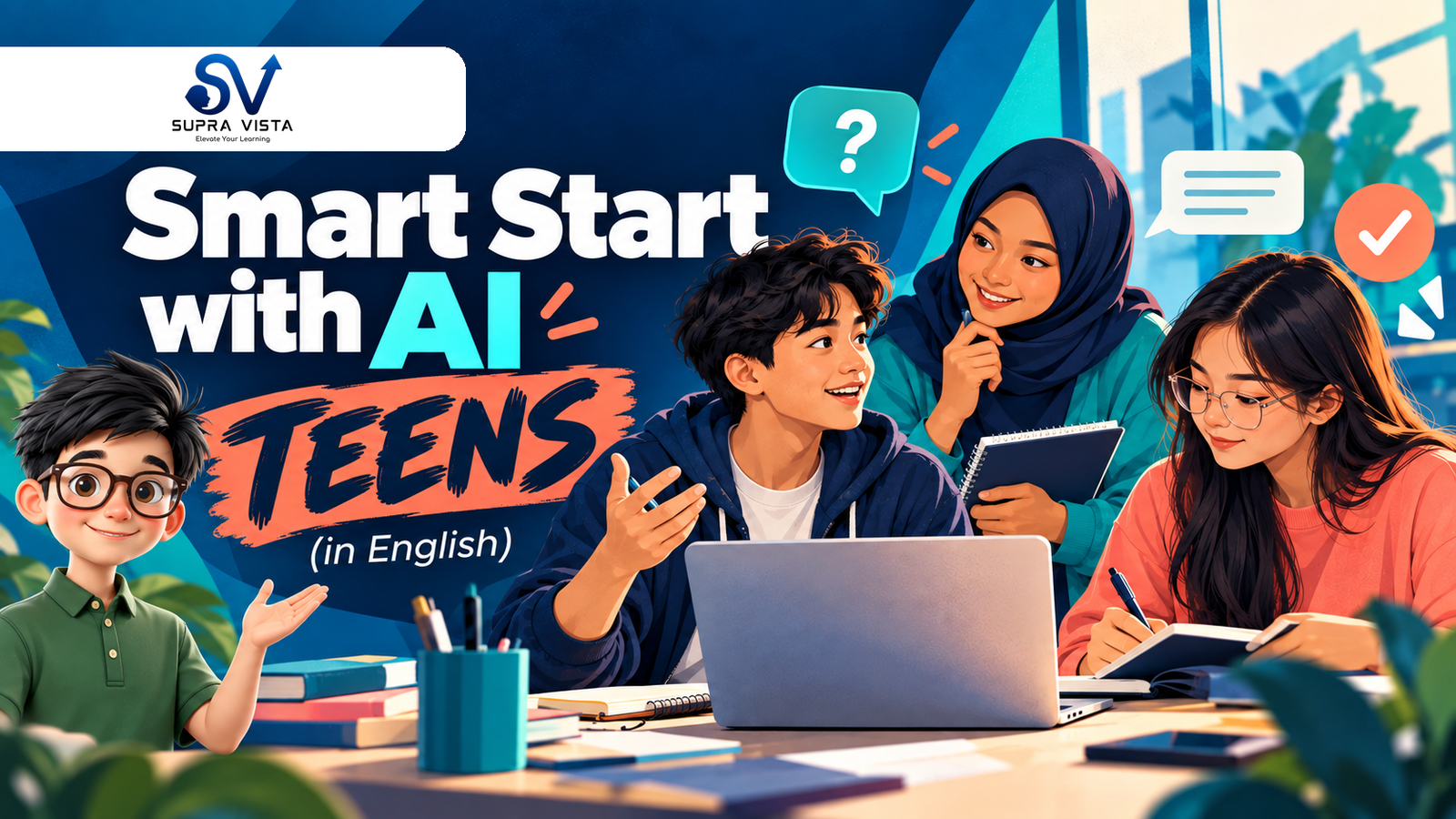
Smart Start with AI: Teens (in English)
About Course
Ages 13–17 · English
Self-paced online learning
Launch price RM49 Regular price RM79
One-off payment • English version only
Help your teenager use AI—and keep thinking for themselves.
Smart Start with AI: Teens helps teenagers ask clearer questions, check AI answers and use AI for learning while keeping their own thinking and judgement at the centre. ChatGPT is the main practice tool.
The course is organised into five days, but learners can pause, revisit and complete it at their own pace. It does not need to be taken on five consecutive days.
Course excerpt: Challenge the AI — and Yourself
Watch this short excerpt from the English course to see how follow-up questions explore different viewpoints while keeping your own judgement.
Choose your course language:
English | Bahasa Melayu | 简体中文
Each language version is purchased separately. This purchase includes the English course only.
Three practical habits to take away
- Ask clearer questions and improve responses through follow-up.
- Check claims and question confident-sounding AI answers.
- Use AI for practice and feedback while making your own decisions.
What your purchase includes
16 short videos in English • 16 mini quizzes • 4 day challenges and 1 final challenge • 2 practical activities • 5 Day Complete readings.
Around three hours, including videos and activities. Learn at your own pace.
One-off payment. See the FAQ below for course access details.
Your five-day learning path
Day 1 — Understand AI: Discover what generative AI can and cannot do, choose tools for different jobs and meet the teen workflow.
Day 2 — Prompt Better: Build clearer prompts and use follow-up questions to improve the conversation.
Day 3 — Check & Challenge: Recognise different kinds of claims, verify important information and question AI reasoning and your own assumptions.
Day 4 — Learn with AI: Ask for hints, practise, evaluate feedback and try again. Put these habits to work by building your own AI tutor.
Day 5 — Apply & Decide: Run the complete workflow in a presentation task, protect privacy, follow school rules and recognise when human support is needed.
THINK → PROMPT → CHECK → REFINE → DECIDE
AI helps. You think. You decide.
Questions parents often ask
Who is this course suitable for?
Teenagers aged 13–17 who want to use AI more thoughtfully for learning and everyday tasks, with a parent or guardian’s guidance.
Does my teenager need previous AI experience?
No. The course starts with what AI can and cannot do, then builds practical skills step by step.
Must it be completed in five consecutive days?
No. “Five days” describes the learning sequence. Learn at your own pace and revisit sections whenever helpful.
What device and ChatGPT account arrangements are needed?
Use an internet-connected computer, tablet or phone with sound; a computer is easier for typing and checking sources. For ChatGPT practice, the teenager must meet OpenAI’s minimum age (13, or the applicable minimum age in their country) and have parental or guardian permission while under 18. Use an eligible individual account; do not share ChatGPT login credentials. Third-party accounts, devices, internet and any third-party fees are not included.
How long does course access last?
Your course access has no fixed expiry date, and completing the course does not end it. You can return to the lessons for as long as the course remains available on Supra Vista. See our course access terms for the full details.
How do learners access the course after payment?
The parent or guardian purchases through and controls the Supra Vista account. After payment is confirmed and enrolment is activated, sign in to the purchasing account and open My Learning to access the selected language course. If it does not appear, contact us with the order details.
Course Content
Day 1 — Understand AI
-
Lesson 1 — Welcome to Your AI World
04:21 -
Mini Quiz 1 — Welcome to Your AI World
-
Lesson 2 — What AI Can — and Cannot — Do
03:32 -
Mini Quiz 2 — What AI Can and Cannot Do
-
Lesson 3 — Different AI, Different Jobs
02:56 -
Mini Quiz 3 — Different AI, Different Jobs
-
Day 1 Challenge — Understand Your AI
-
Day 1 Complete