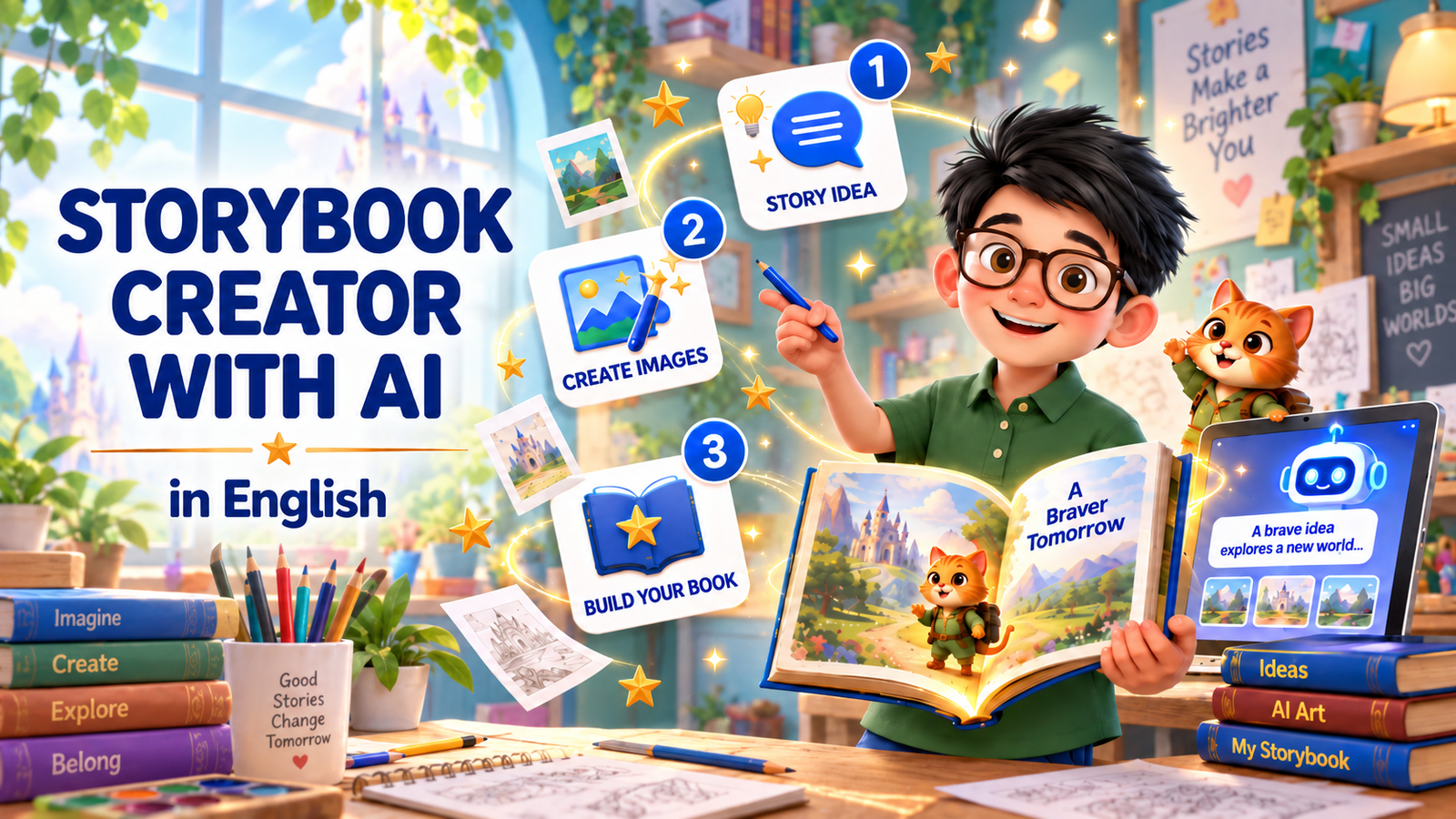
Storybook Creator With AI (in English)

Wishlist Share

About Course

Storybook Creator With AI is Supra Vista’s video-based course that helps children aged 7 to 12, with their parents alongside them, create their very own AI-assisted storybook – from the first spark of an idea to a finished 15-page book they can share.

The course runs across 15 short videos in four parts – just watch, then create.

Part 1: Plan Your Story – meet the two tools you will use, learn the safety rules for creating with AI, and build your story idea: character, world, problem, feeling, lesson and style.

Part 2: Write and Name Your Story – turn your idea into a strong prompt, read and improve the first AI draft, then choose your title and write your blurb.

Part 3: Create Your Story Images – write cover image prompts, test your image style, generate the full set of 15 pictures, and run a safety and consistency check.

Part 4: Build Your Digital Storybook – set up your 15 pages in Canva, build the cover and story pages, then export your book as a PDF, check it and share it safely.

Throughout, children learn to create with AI safely and thoughtfully, always with a grown-up nearby. AI is your helper. You are the author.

Show More

What Will You Learn?

  • Turn a spark of an idea into a full story plan - character, world, problem, feeling and lesson
  • Write clear prompts so an AI helper gives you the story you actually wanted
  • Read, check and improve an AI first draft until the story sounds like you
  • Choose a title and write a blurb that makes people want to read your book
  • Write image prompts that keep your characters looking the same on every page
  • Run a safety and consistency check on every picture before it goes in the book
  • Lay out a 15-page storybook in Canva, cover and all
  • Export your finished book as a PDF and share it safely
  • Create with AI safely and thoughtfully, always with a grown-up nearby

Course Content

Part 1: Plan Your Story
Meet the tools, learn the safety rules, and build your story idea - character, world, problem, feeling, lesson and style.

  • 1.Meet Your Storybook Tools
    02:09
  • 2.Create Safely With AI
    02:02
  • 3.Build Your Story Idea
    02:08
  • 4.Choose Your Story’s Feeling
    01:56

Part 2: Write and Name Your Story
Turn your story idea into a strong prompt, read and improve the first AI draft, then give your story its title and blurb.

Part 3: Create Your Story Images
Turn your story into pictures: write cover image prompts, test your image style, generate the full set of 15 images, and run a final quality check.

Part 4: Build Your Digital Storybook
Put everything together in Canva: set up your 15 pages, build the cover and story pages, then export, check and share your finished digital storybook.

Scroll to Top